Know what's inyour kitchen.
ShelfLife keeps your pantry, shopping list and saved recipes organized across your iPhone and iPad. See what needs using soon, waste less, and cook more.
For iPhone & iPad
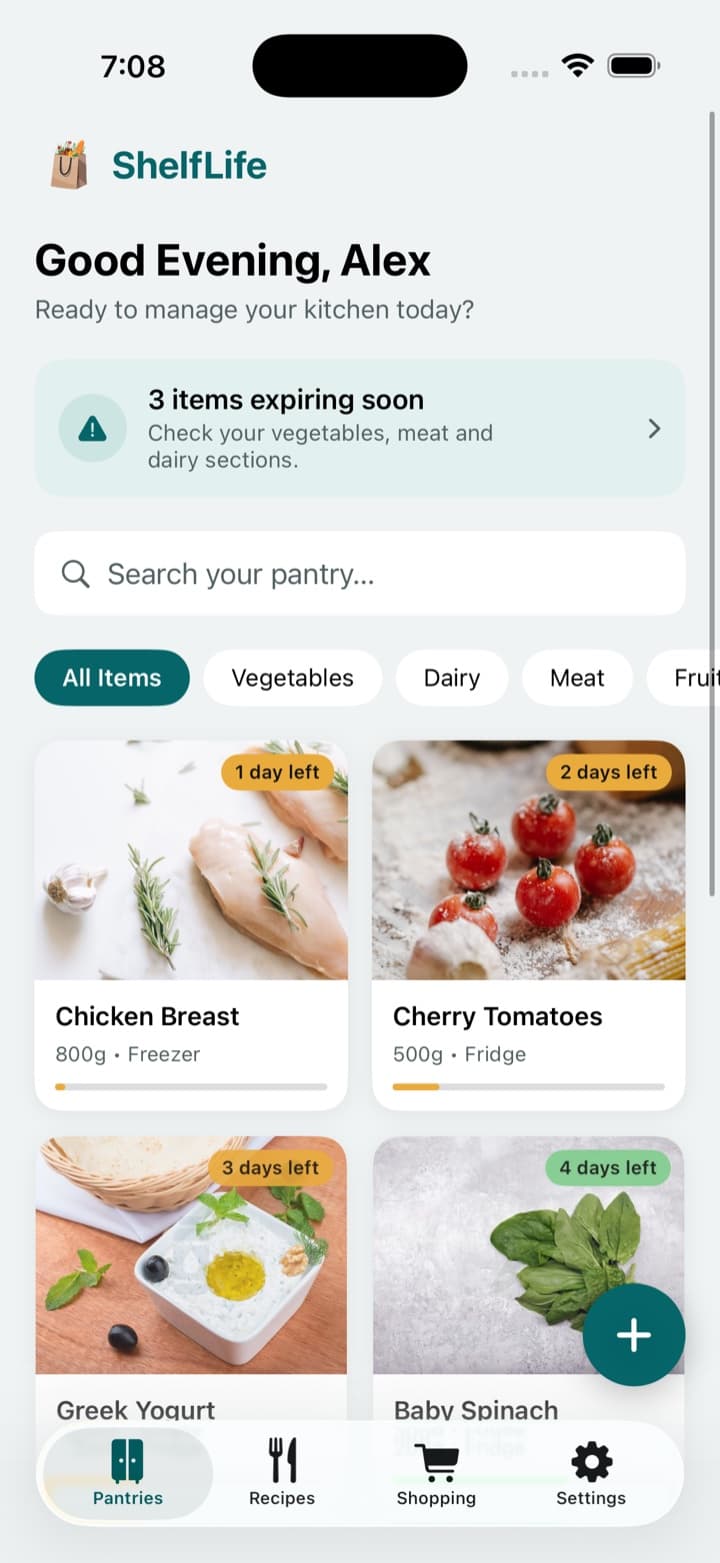
- Know what you have
- Track expiration dates
- Waste less
- Cook more
- Shop organized
- Sync iPhone & iPad
Stay on top of your kitchen
Track what you have, use it before it expires, and plan what to cook and buy next.
Your pantry at a glance
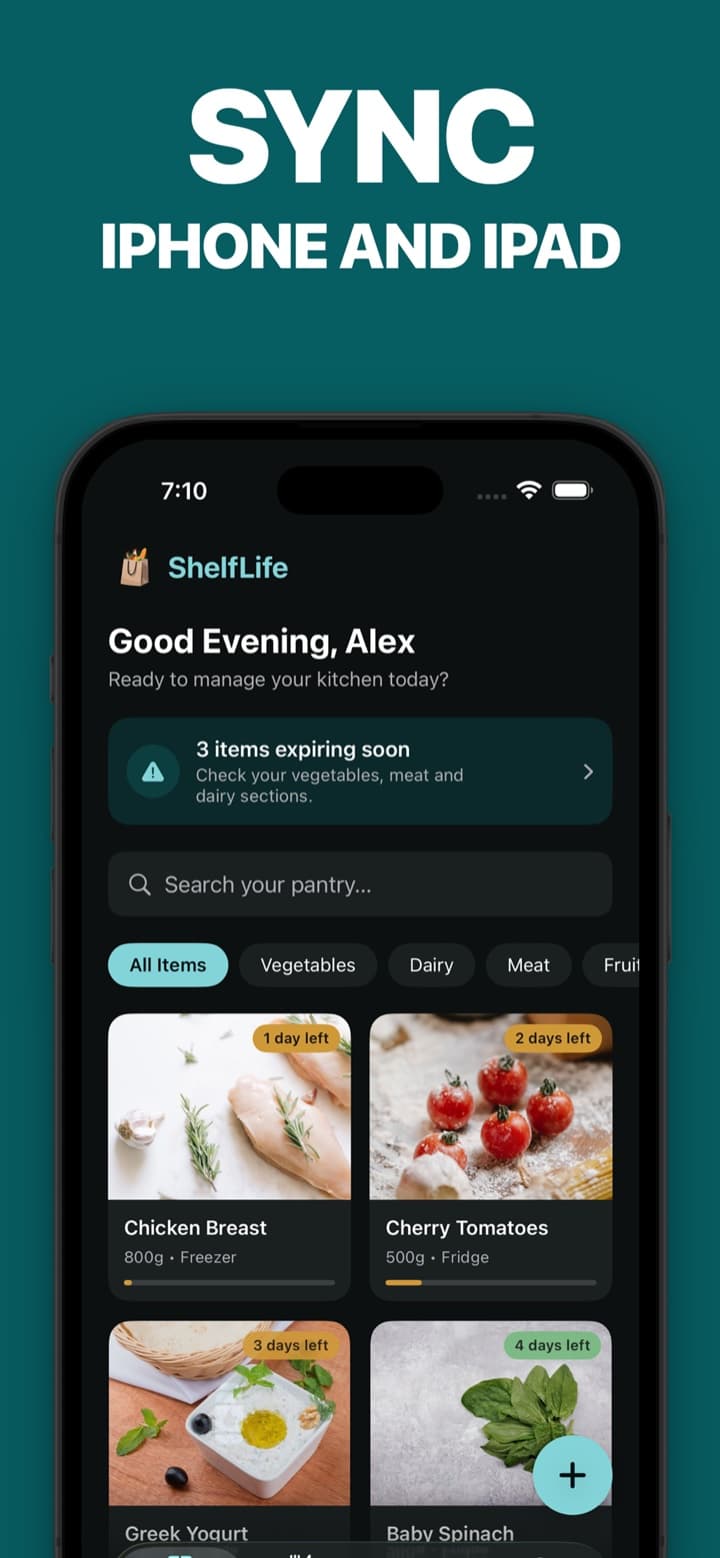
Track quantities, categories and expiration dates for what you buy. Everything is sorted by what needs using first, so you can find things fast.
See what expires next
Days-left badges and an Expiring Soon list show what to use first. Turn on reminders and choose how many days before a date you want to hear about it.
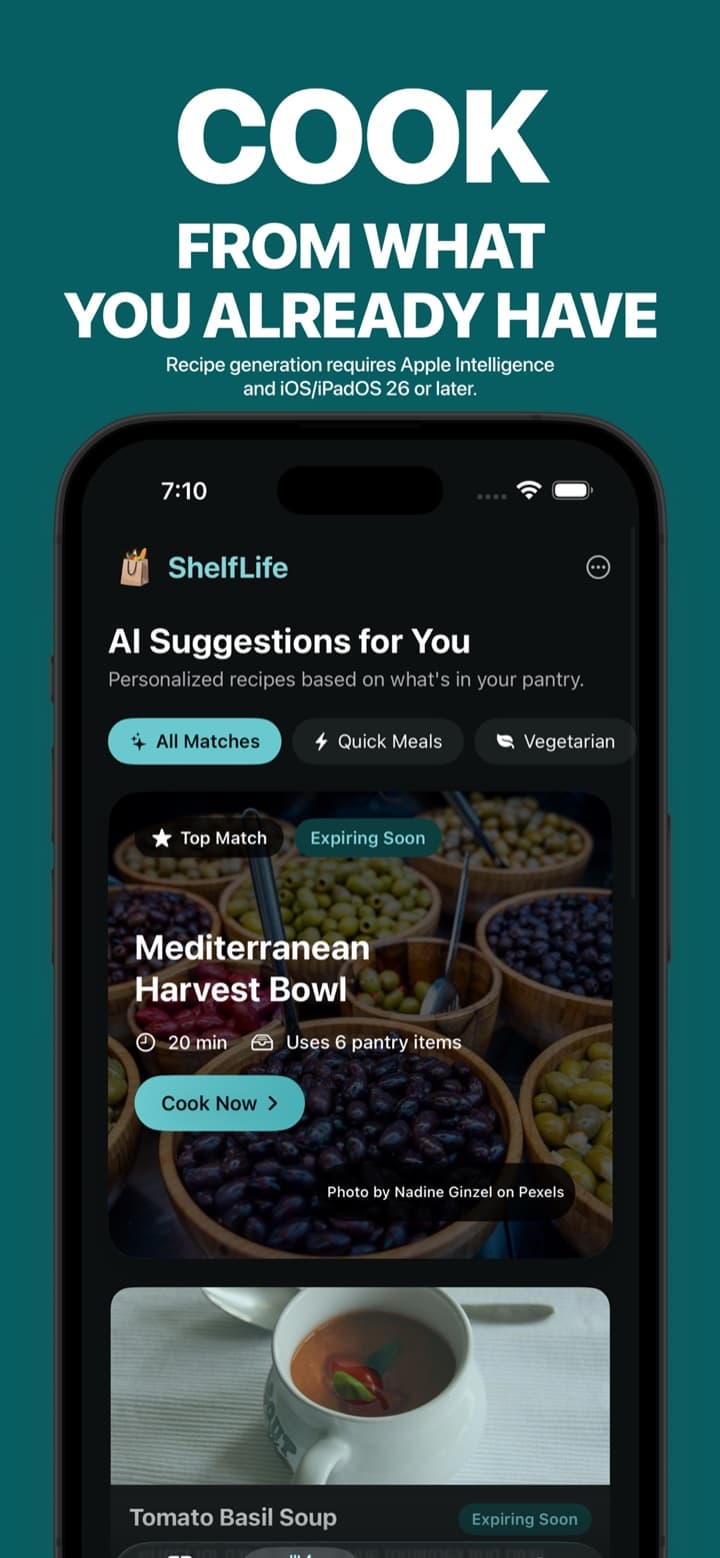
Meal ideas from what you have
Generate recipe suggestions on your device from your actual pantry, ranked by ingredient match and what's expiring soon. Set dietary preferences and save favorites.
Recipe generation requires Apple Intelligence and iOS/iPadOS 26 or later.
Check quantities before you cook
Review the ingredients a recipe uses before confirming you cooked it, and ShelfLife deducts those quantities from your pantry.
One organized shopping list
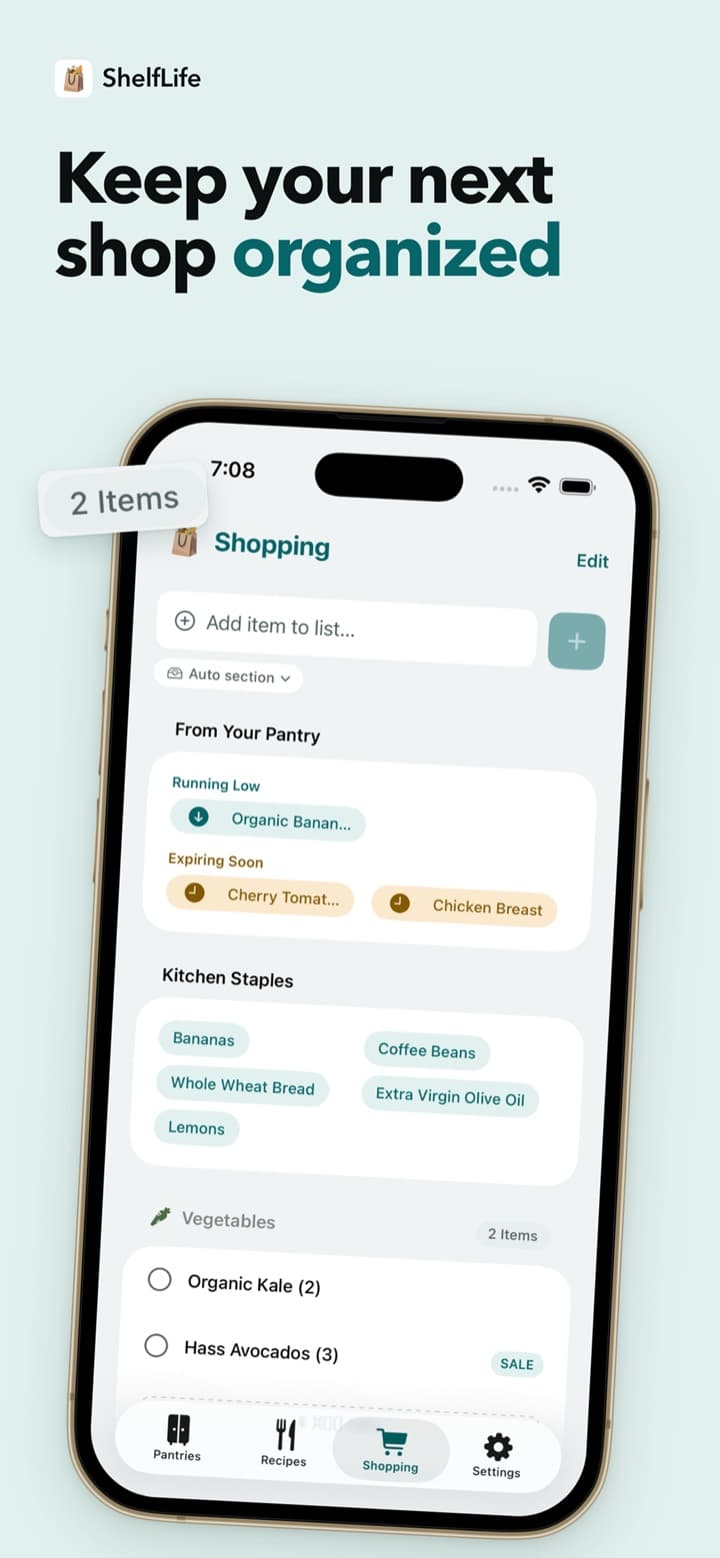
A single categorized list suggests what you're running low on or about to run out of. Check an item off and optionally add it straight back to your pantry.
Synced across iPhone and iPad
Sign in with Apple or Google on each device to keep your pantry, shopping list, saved recipes, preferences and cooking history together.
See ShelfLife in action
From a stocked pantry to your next shop. Screens are shown with sample data.
From shopping bag to dinner plate
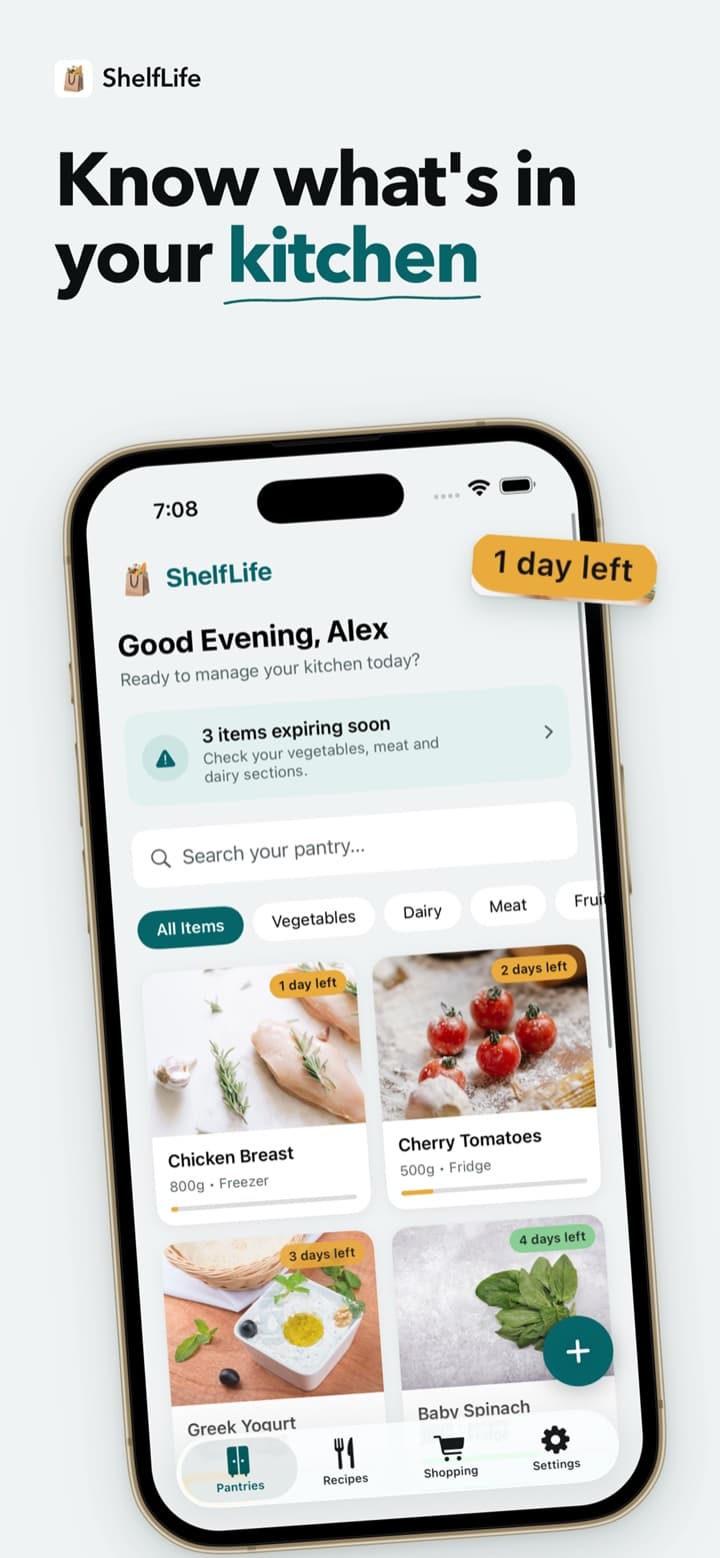
Add what you buy
Add items with a quantity, category and expiration date as you unpack your shopping.
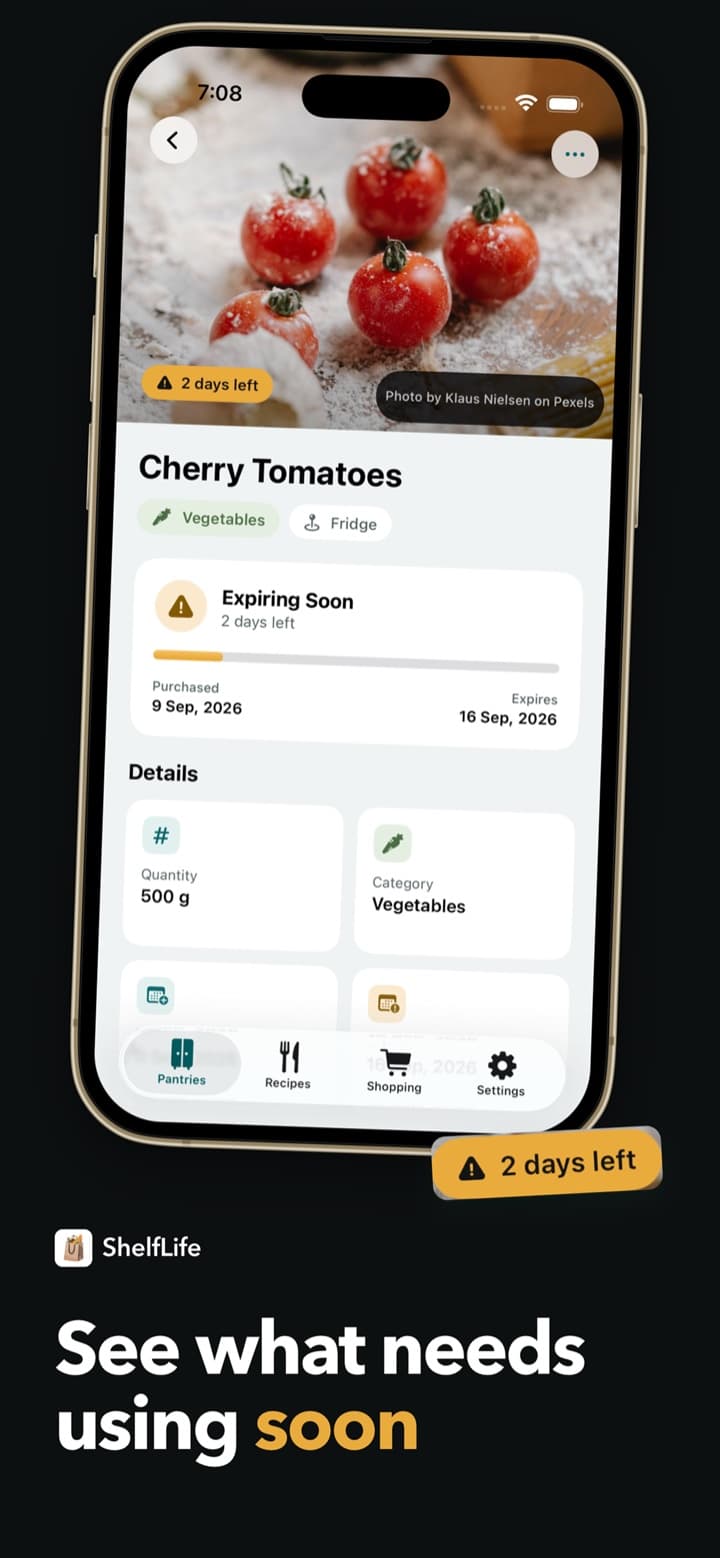
See what needs using
Your pantry stays sorted by urgency, and optional reminders arrive before dates pass.
Cook and restock
Find meal ideas from what you have, confirm what you used, and keep your list ready for the next shop.
Pantry tracking, shopping lists and saved recipes work on iOS/iPadOS 18 or later.
Built for the everyday kitchen questions that lead to wasted food.
- Food spoils before it gets used
- Expiration dates, days-left badges and optional reminders keep what needs using in view.
- “What do I cook tonight?”
- Recipe suggestions start from what's already in your pantry, with expiring items ranked higher.
- Restocking is easy to forget
- Your shopping list suggests what's running low or expiring soon, straight from your pantry.
Waste less. Cook more.
Get ShelfLife for iPhone and iPad and start with what's already in your kitchen.
Pantry tracking, shopping lists and saved recipes work on iOS/iPadOS 18 or later. Recipe generation requires Apple Intelligence and iOS/iPadOS 26 or later. An account is required for sync.